Click the Search Projects link in the left side of the screen.
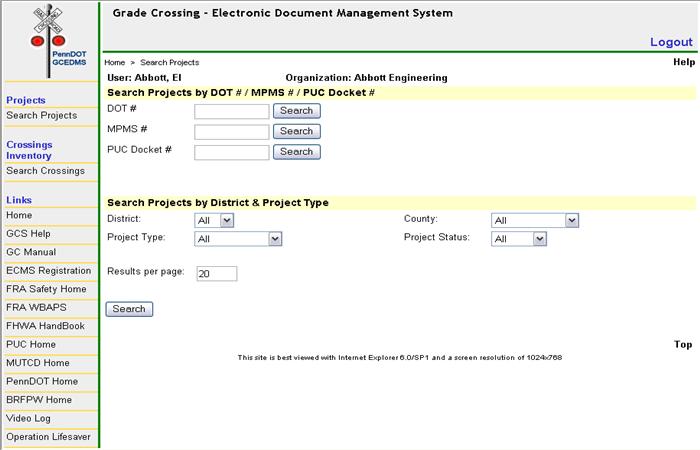
The Search Projects page displays.
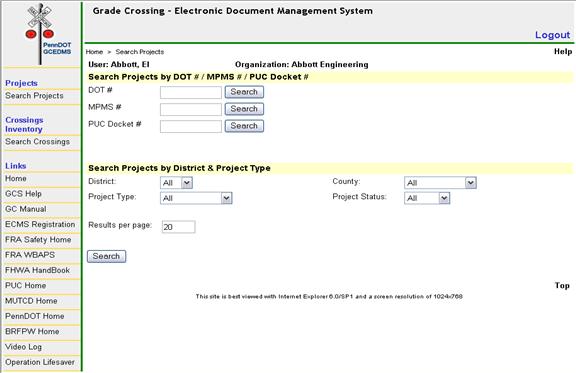
Enter the desired DOT #, MPMS #, or PUC Docket #.
To search projects:
Click the Search Projects link in the left side of the screen.
The Search Projects page displays.
Enter the desired DOT #, MPMS #, or PUC Docket #.
Click the corresponding Search button.
A result matching the criterion displays.
Tip: If no result appears, try searching for crossings by District and Project Type.
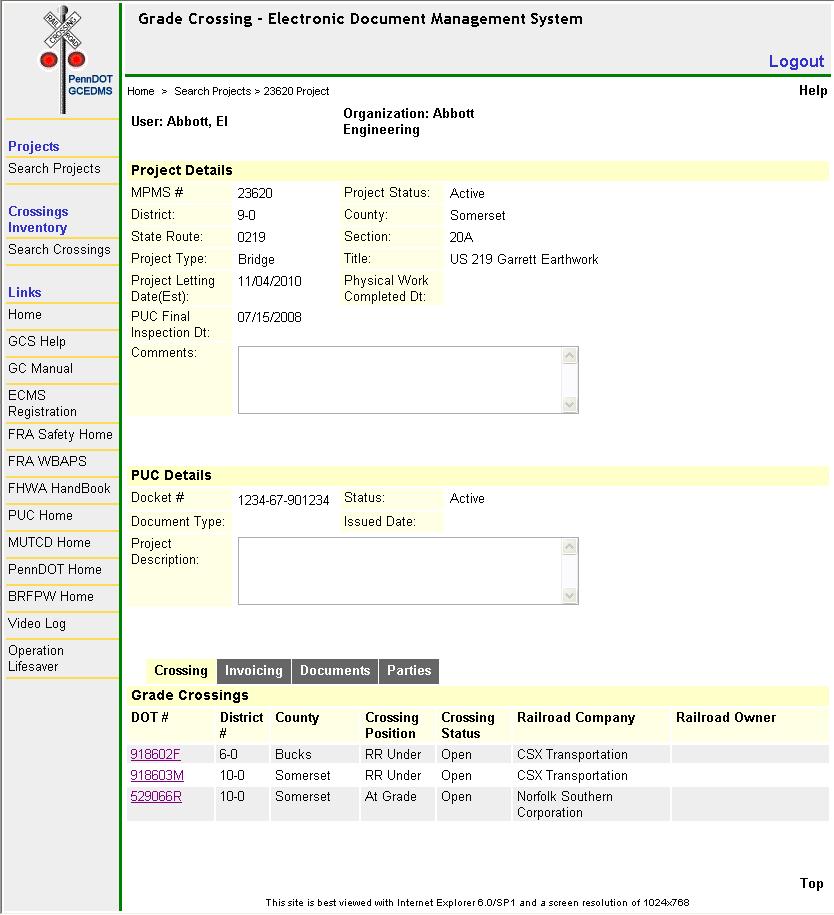
Clicking a project's MPMS # displays the Project Crossings page for the project.
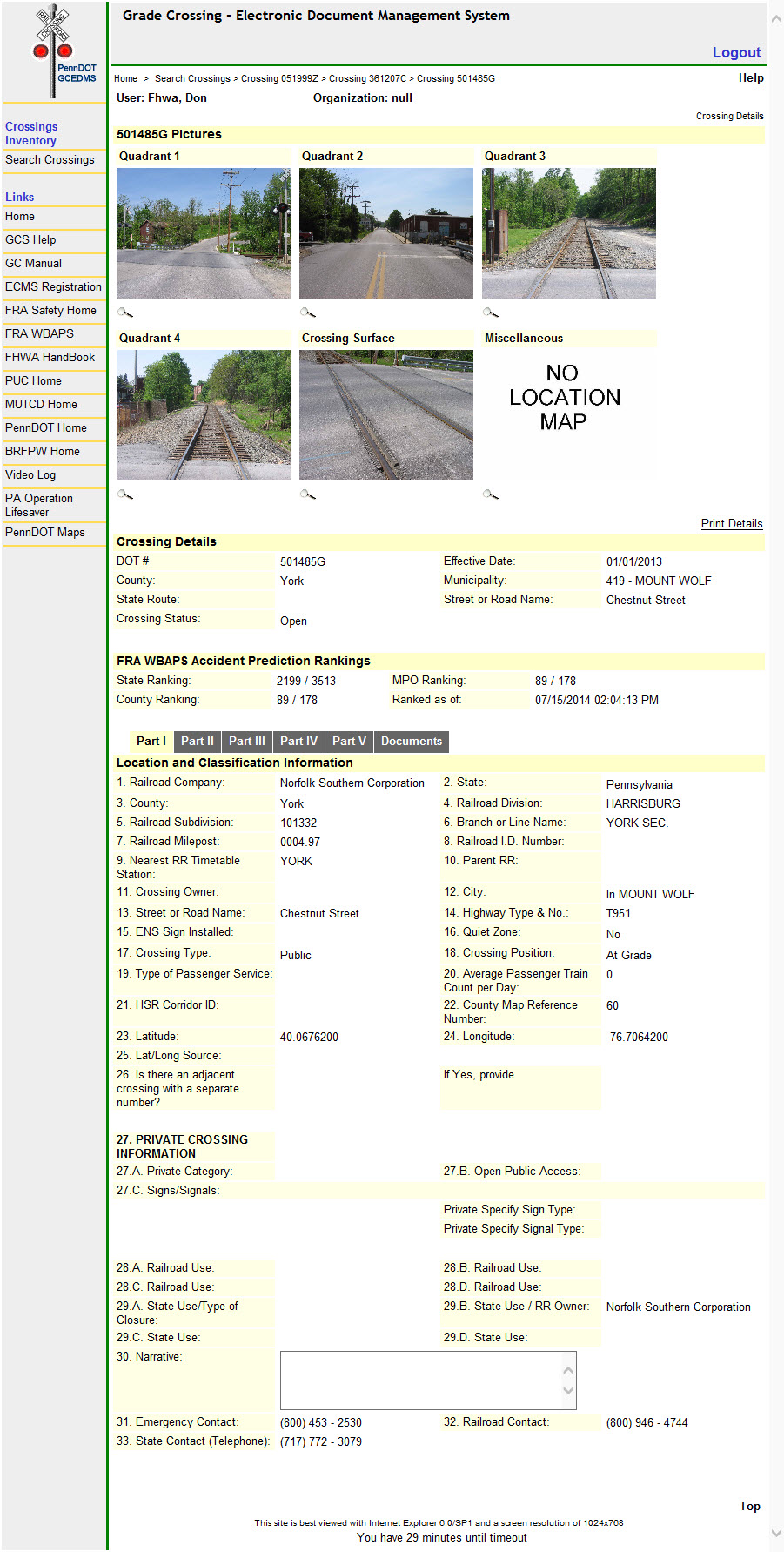
Clicking a DOT # displays the Crossing Details page for the crossing. The Crossing Details page displays crossing inventory information about the crossing, not project information.
Note: Only projects which your railroad is a part of will display.
To search projects:
Click the Search Projects link in the left side of the screen.
The Search Projects page displays.
Enter your desired search criteria.
Click here to display additional help with search criteria.
Click the Search button.
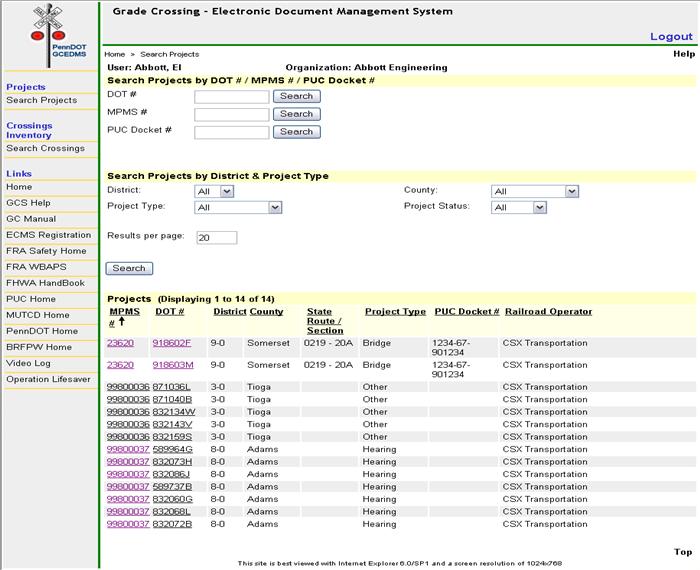
A list of results matching the criteria displays.
Clicking a project's MPMS # displays the Project Crossings page for the project.
Clicking a DOT # displays the Crossing Details page for the crossing. Crossing Details page displays information from the crossing inventory, not project information.
Note: Only projects which your railroad is a part of will display.